> For the complete documentation index, see [llms.txt](https://help.dollarlabs.io/llms.txt). Markdown versions of documentation pages are available by appending `.md` to page URLs; this page is available as [Markdown](https://help.dollarlabs.io/dollarlabs-ultimate-discounts/checkout-extensions/triggers-and-eligibility-rules.md).
# Triggers & Eligibility Rules
{% embed url="" %}
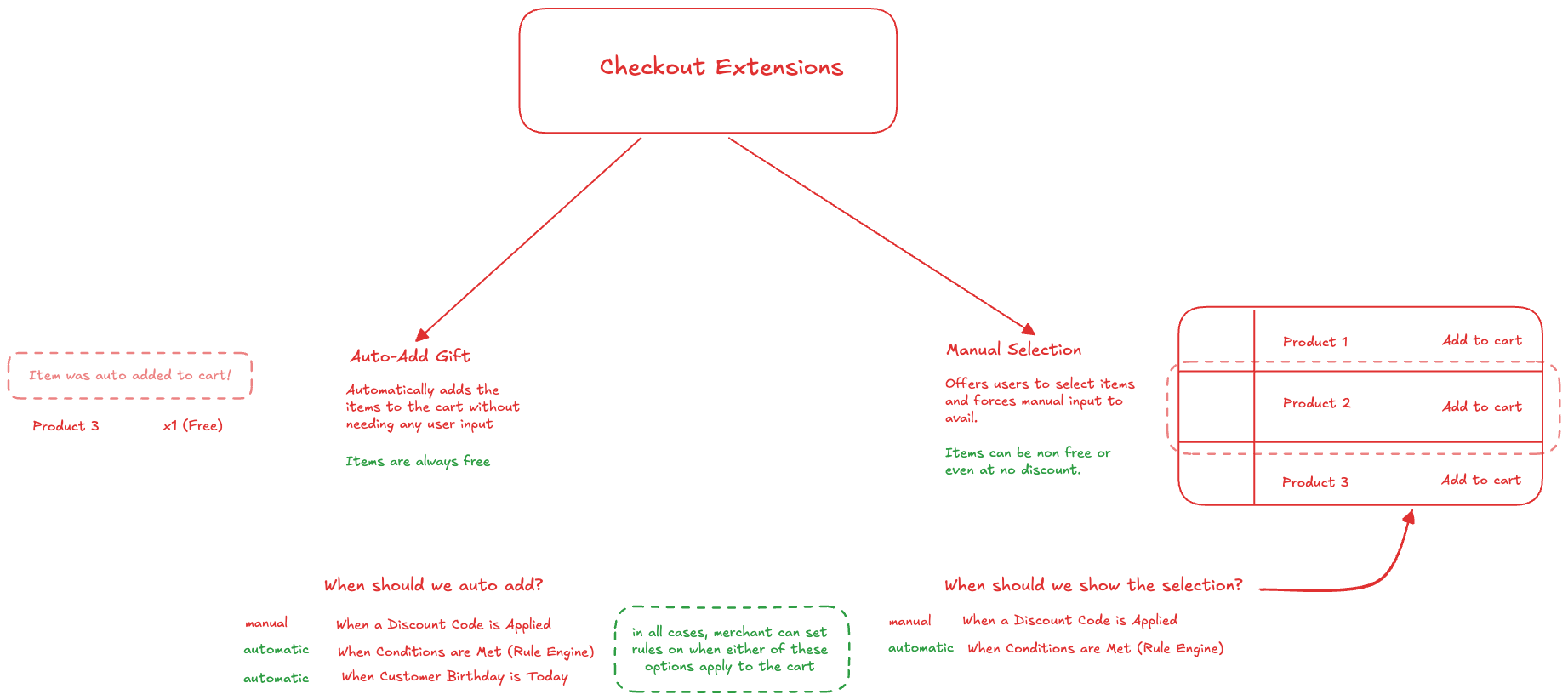
### What Is A Trigger?
A trigger determines when an offer becomes available.
Think of it as the "if" part of an offer.
Example:
> IF customer buys Sneakers
>
> THEN show free gift.
The trigger is:
```
Customer buys Sneakers
```
The offer is:
```
Free Gift
```
***
### Trigger Type 1: Discount Code
This is the simplest trigger.
Example:
```
FREEBOTTLE
```
Customer enters:
```
FREEBOTTLE
```
Gift is automatically added or shown.
#### Best For
* Marketing campaigns
* Influencer codes
* Email promotions
* VIP rewards
***
### Trigger Type 2: Cart Conditions
The extension automatically watches the cart.
Example:
```
Contains Sneakers
```
As soon as sneakers are added:
```
Offer appears
```
No discount code required.
***
### Trigger Type 3: Complex Conditions
You can combine multiple requirements.
Example:
```
Contains SneakersANDSubtotal > $100ANDCustomer Tag = VIP
```
Only qualifying customers see the offer.
***
### Spend Thresholds: Cart Total
To trigger a gift at a spend threshold, use the **Cart total** property in the **Rules** section.
Example:
```
Cart total greater than $100
```
**Cart total** is the actual amount the customer is paying in checkout:
* after product and order discounts
* including shipping and tax, once checkout has calculated them
* including paid add-ons the customer picked from a checkout offer (for example, a paid membership)
{% hint style="info" %}
**Cart total** is available only for the **All** group. It always reads the whole checkout, so it can't be limited to a single cart group. If you need a threshold for specific products, build a cart group and use its subtotal instead.
{% endhint %}
***
### Counting Items Added By Checkout Offers
Apart from **Cart total**, rules ignore products that the customer added from a checkout offer (for example, a paid membership or an add-on at a special price). Group subtotals, quantities and other line-based checks are calculated without them.
If those paid add-ons should count, open the offer's **Settings** section and turn on **Count items added by checkout offers**.
Example:
> Buy 3 items and get a free tote bag (rule: **Quantity sum** greater than 2).
>
> The customer has 2 items in the cart, then adds a membership from a checkout offer.
>
> * Setting off: the quantity sum is 2, so no gift.
> * Setting on: the quantity sum is 3, so the tote bag is added.
{% hint style="info" %}
* Auto-added gifts never count toward rules, whether this setting is on or off.
* This setting is not shown for **Manual Selection** offers. Otherwise, an offer's own picks could satisfy its own rules.
{% endhint %}